

Included with the kit · in your browser
Assembly app for the kit – your 3D build plan on your phone
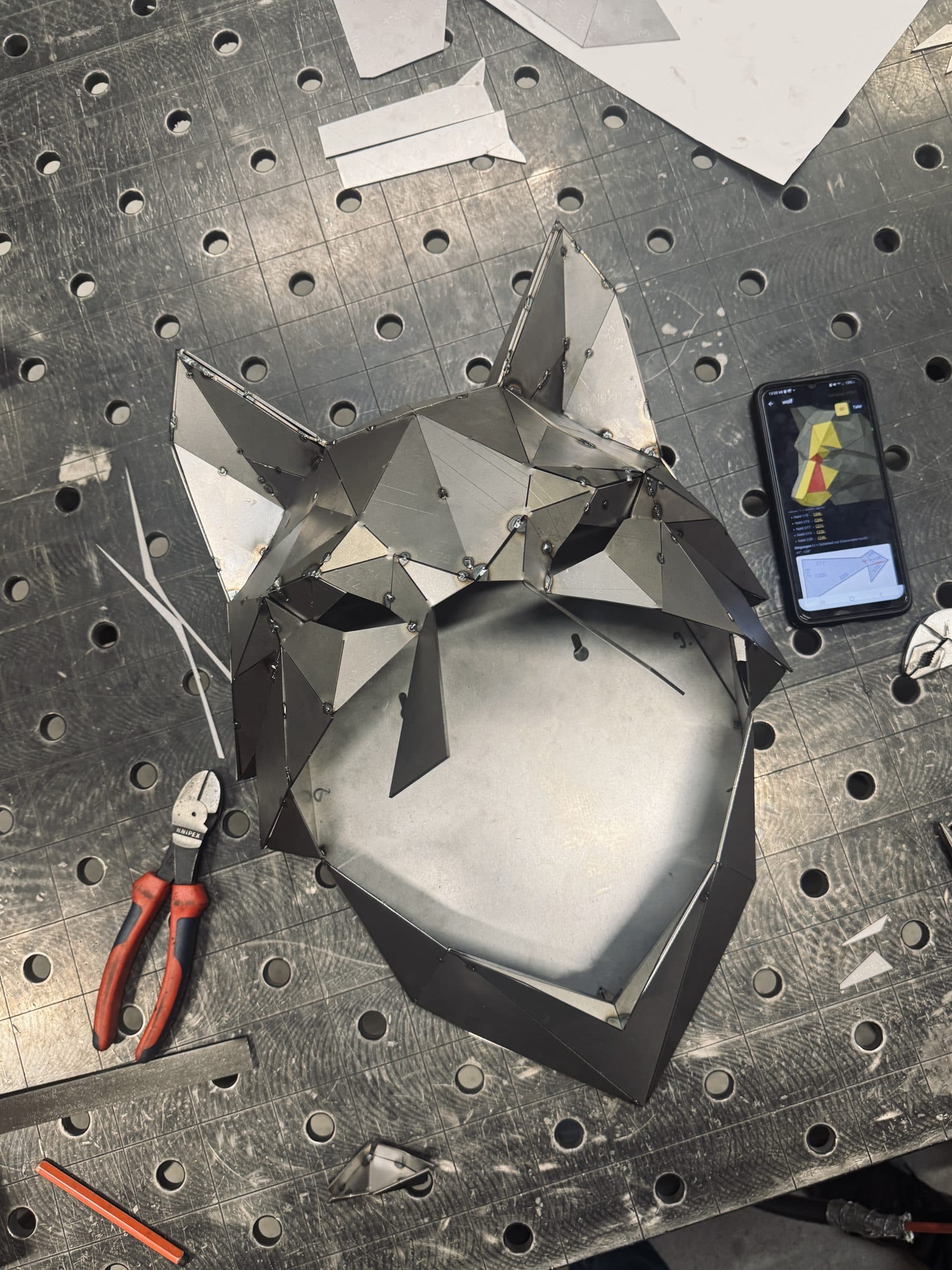
When you order your sculpture as a DIY kit, the assembly app comes with it – it runs in the browser on your phone, tablet or computer, nothing to install. It shows your animal as a 3D model with every part number, the neighbouring parts at each seam and the flat pattern. That is how we built our wolf head with 108 parts.
Try it
The real wolf head, ready to turn.
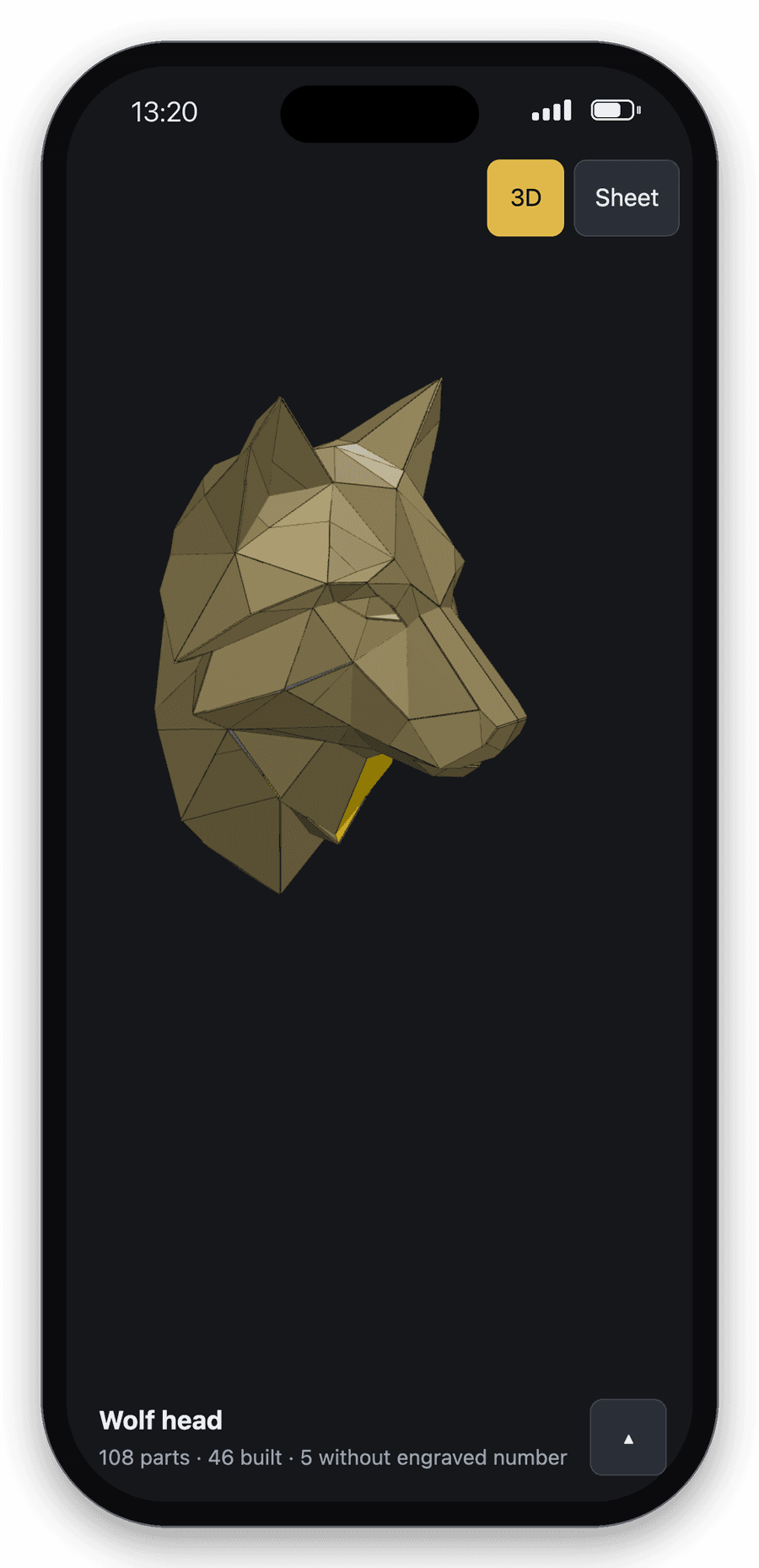
This is the build plan behind the wolf head in the photo: 108 parts, exactly as they appear in the app – right here in your browser. Turn the model, tap a part and tick it off as built.
- Turn
- drag with the mouse or one finger
- Zoom
- mouse wheel or two fingers
- Select a part
- tap it: red is selected, yellow its neighbours
- Tick off
- “Built” turns the part green
What the app does
01
Find every part in the model.
All numbers sit right on the 3D model. Type a number into the search and the app shows you where the part belongs and which part is selected.
02
Seams and neighbours at a glance.
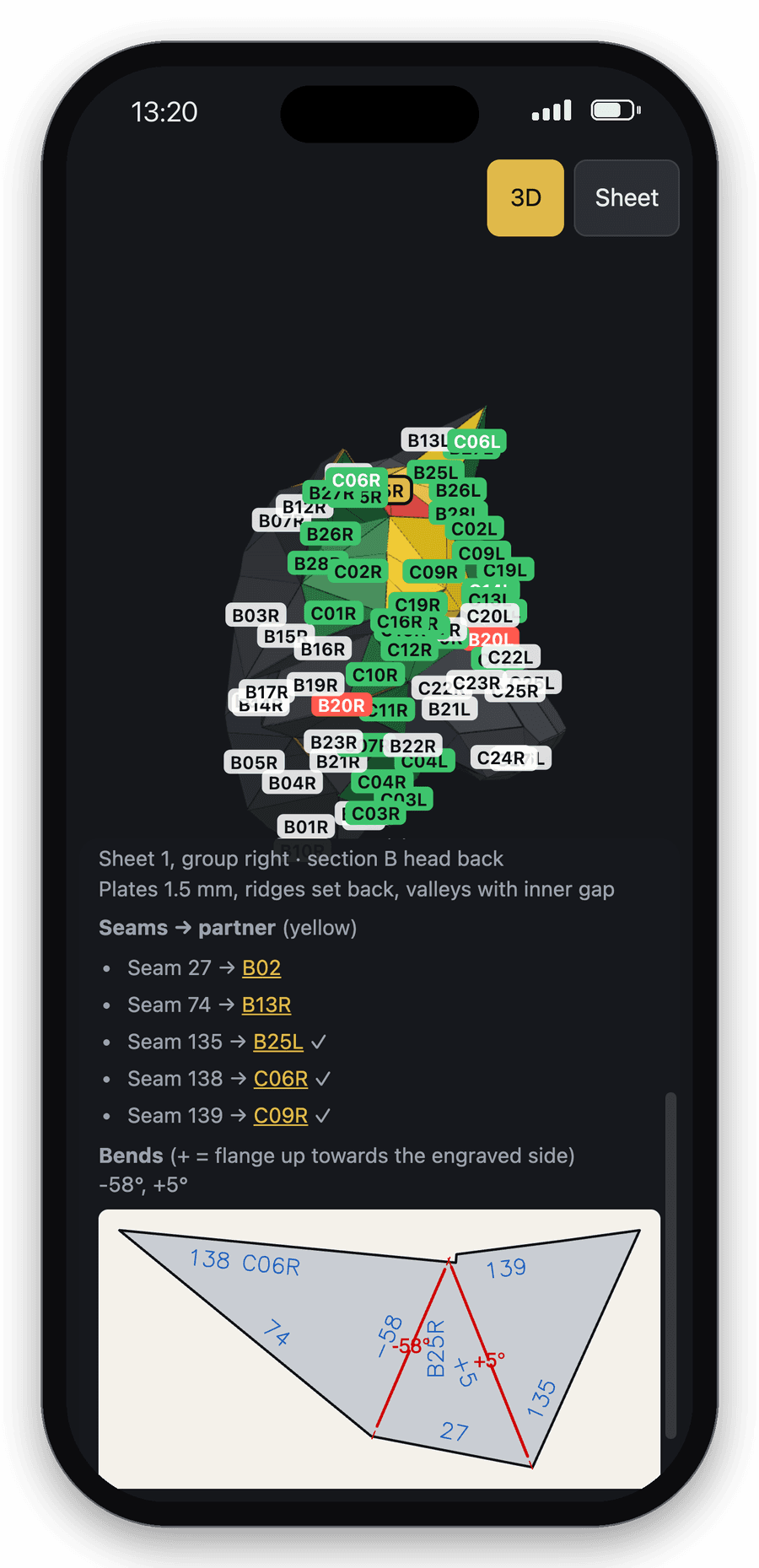
Tap a part: you see every seam with its matching neighbour, the bend angles and the flat pattern with engraving. So you know which edge goes where before you tack.
03
Tick off what is built.
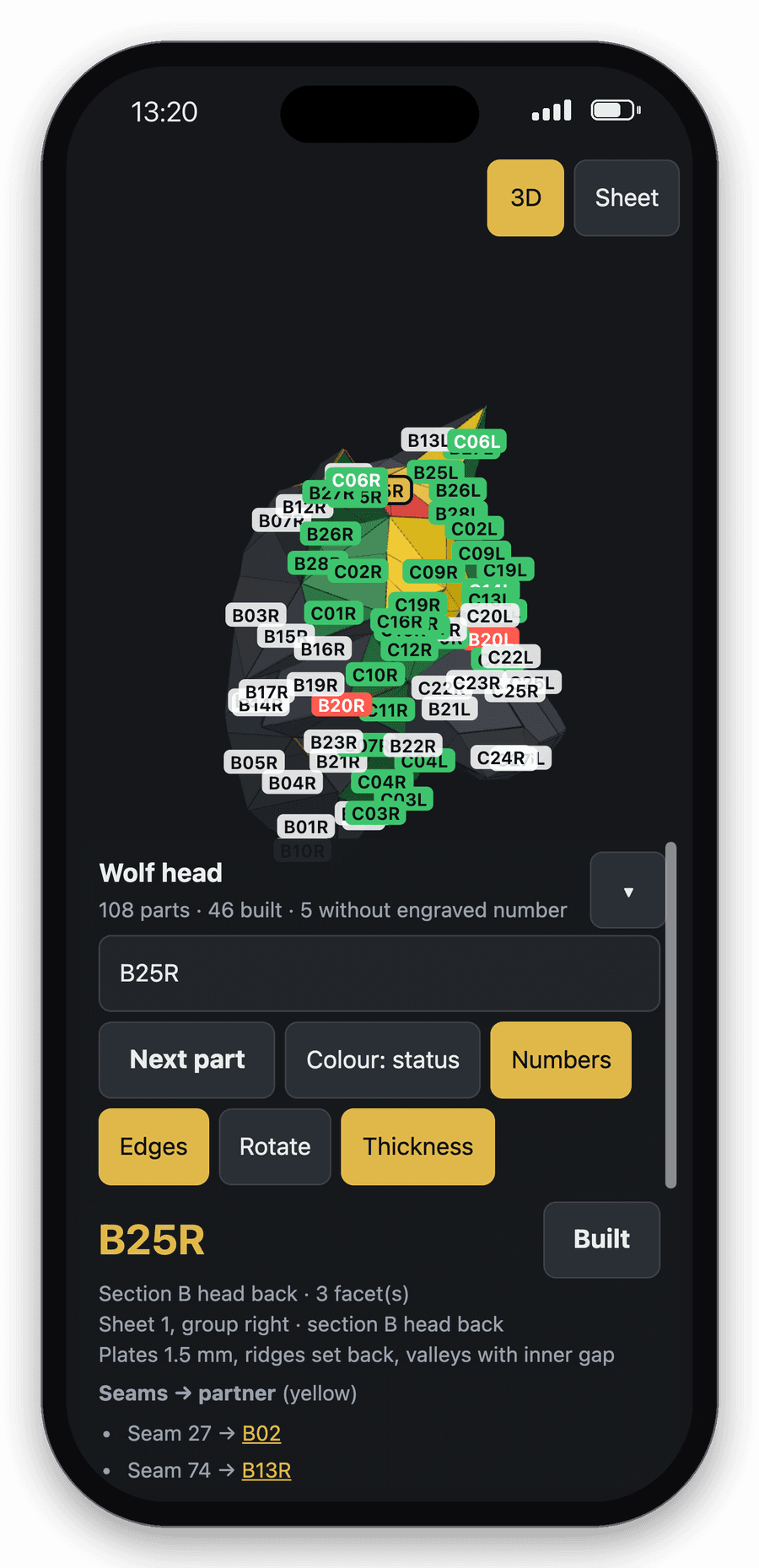
“Built” turns a part green, “Next part” jumps to the next open part in build order. You always see how far you are – for example 46 of 108 parts.
04
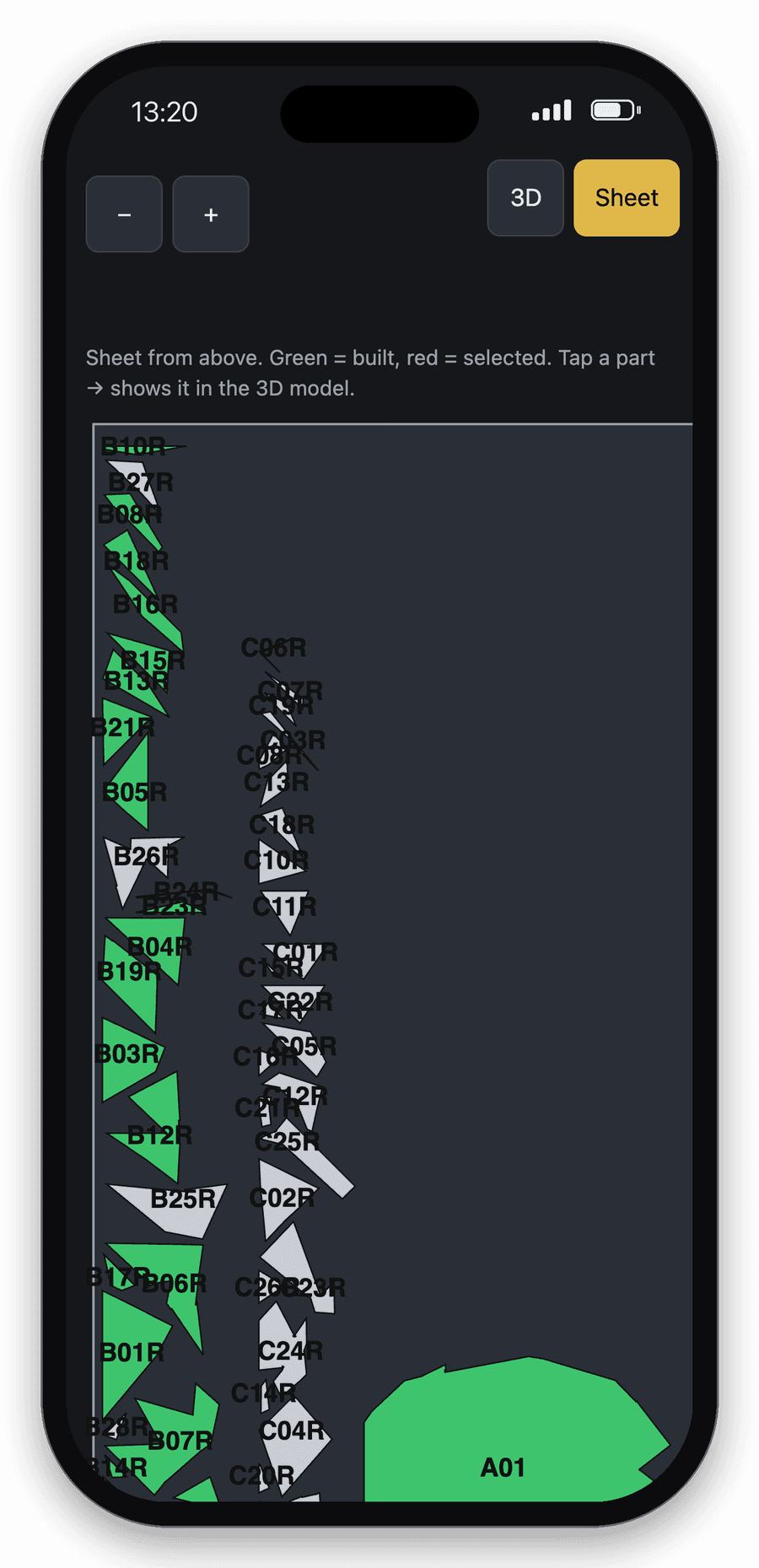
The steel sheet as a map.
The “Sheet” tab shows all parts as they were laser cut on the steel sheet. Tap a part there and the app jumps to its place in the 3D model.
From our workshop.
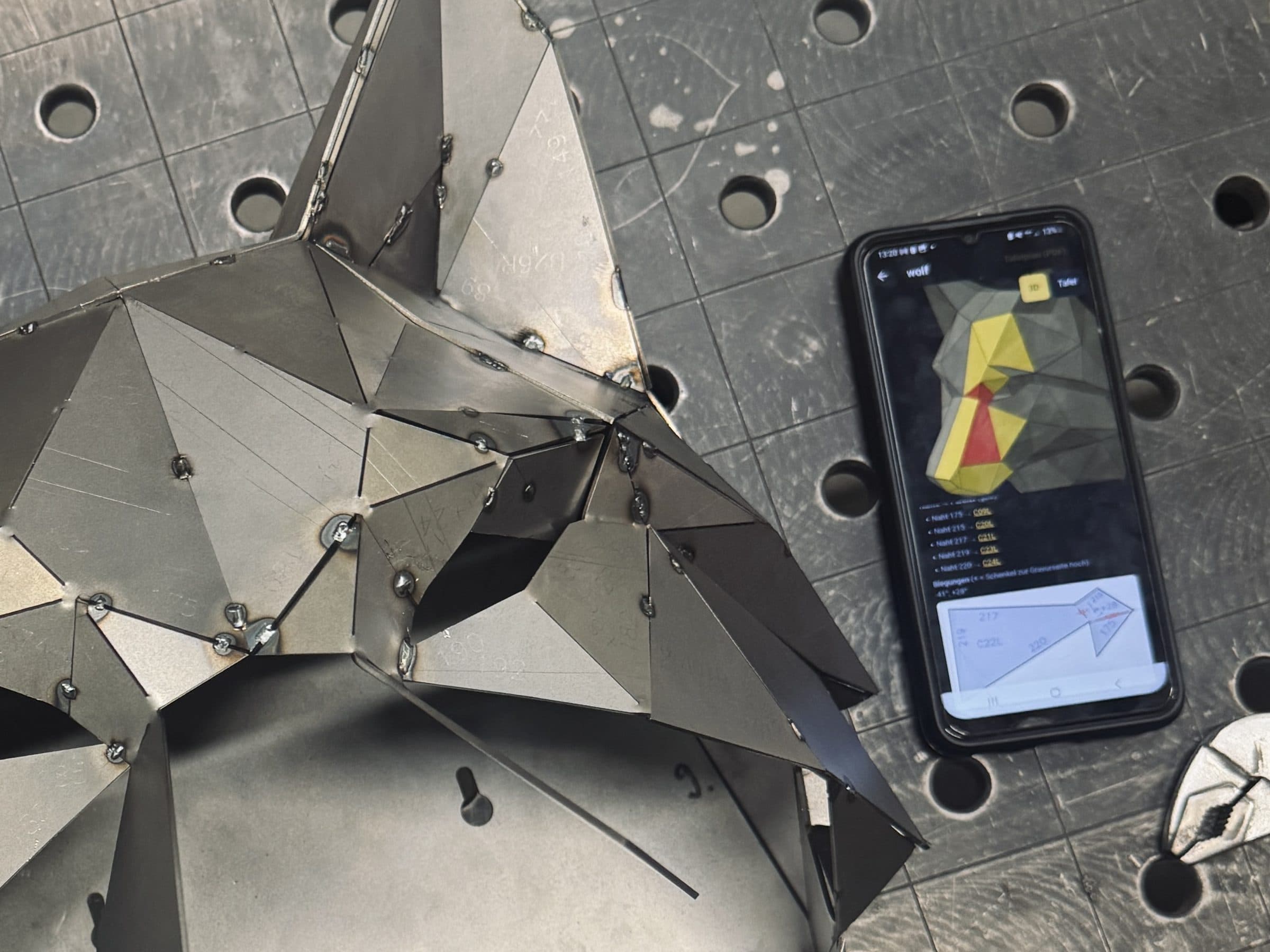
We are building the wolf head in these photos in Greiz – the phone with the app always lies on the welding table. What we missed on the first build is now in the app: neighbouring parts in yellow, a build order and the view of the steel sheet.
What you want to know
Do I only get the assembly app with the kit?
Yes, it comes with the DIY kit. We assemble finished sculptures ourselves in Greiz – you don’t need a build plan for those.
Does the assembly app cost extra?
No. The app is included with the kit.
Do I need to install anything?
No. The assembly app runs in the browser – on your phone, tablet or computer. You get it as a link with your kit.
Does the app show exactly my sculpture?
Yes. The build plan comes from the same model your parts are laser cut from – with the same numbers engraved on the parts.
What about parts without an engraved number?
Very small parts have no room for an engraving. The app shows their number in red on the model and names the neighbouring parts they belong to.
What do the colours in the model mean?
Red is the selected part, yellow are its neighbours at the seams, green is built. With “Colour” you can also colour the model by area or build section.
Do I still need welding experience?
Yes. The app tells you which part goes where. Tacking and welding 1.5 mm sheet steel is up to you.
Which animal should it be?
Upload a photo or describe it – the first designs are free.